PCB Drilling Machine
Professional designer and manufacture of CCD machines for ONE STOP SOLUTION.
Language
Professional designer and manufacture of CCD machines for ONE STOP SOLUTION.
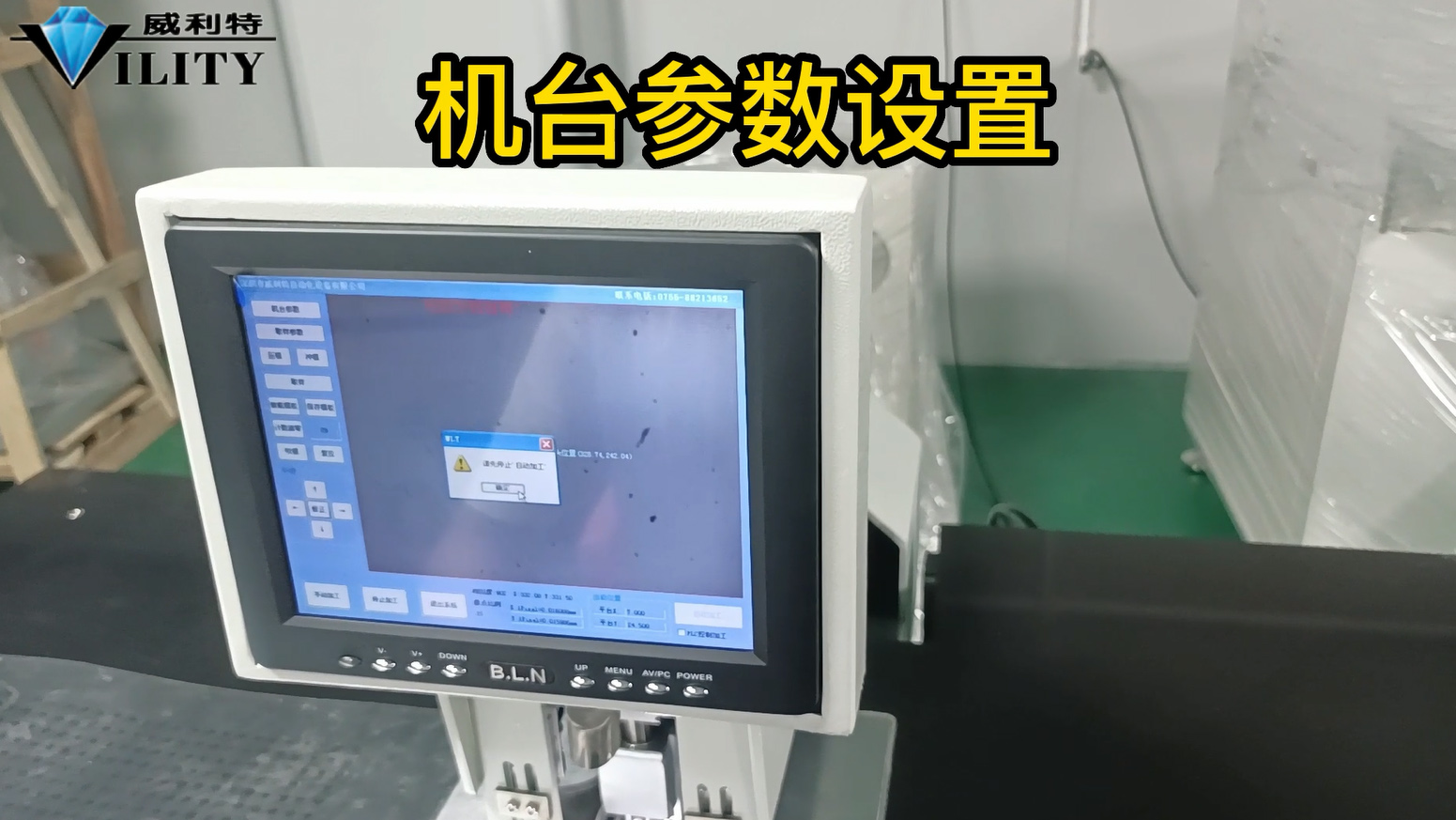
Below I describe the setting of the machine parameters.
First stop processing and open the machine parameters, there is no password for this punching machine, just click OK directly.
Enter the machine settings, there are many kinds of parameter values below, only a few can be changed will explain to you, the other best to leave it untouched.
Mechanical keys and operation interface basic key introduction
The following explains the basic interface and key operation of the sheet printing machine, as well as the function of the keys on the operating interface and how to use them. First of all, starting from the mechanical keys: the first above the power switch is the total power supply of the machine, the power needs to be turned on when the machine is turned on. The second is the pause button, the pause button is found in the printing process there are bad problems, need to stop to deal with, press the pause button operation will be temporarily stopped; after processing and then continue to press the pause button to open, it will continue to operate to run. The third key is the emergency stop key, this is the same as all common machines above, when an emergency, press the emergency stop key, the whole system will stop operation; after processing the emergency stop key open, and then restart, the machine will run normally. This is the introduction of mechanical keys.
The first one is the press time, which is the time the presser foot is pressed down on the material and how long it takes for the hole to spring back.
The setting is now 120 ms, basically within the range of 100-120 ms. There is no need to adjust this when using the press.
The two main ones are the "rewind delay" and the "punch rewind delay".
These two settings are basically in the range of 20-50 ms.
Under what circumstances can they be adjusted?
Firstly, when the punch hole fails, the punch rewind delay can be increased to 50 ms.
This means that when the punch goes down, it will not come up quickly, it will pause for a while before rebounding.
Of course, this is not visually noticeable, but it will have an effect on the punching.
However, the maximum value is between 20 and 50 and should not be adjusted upwards, as this will affect productivity.
It may also have an effect on the life of the punch tool.
The same applies to the "rewind delay" time. When does the rewind time need to be adjusted?
For example, in the production of punching, when thicker materials such as covers are punched.
The rewind time can be set at 20 milliseconds, which may distort the edges of the material when the punching tool is withdrawn.
This extends the rewind time from 20 to 50 milliseconds, up to 50.
If you extend the rewind time to 50, the rewind speed will be a little slower, so that the material will not be pulled up.
The above parameters of the machine can usually be fine-tuned according to the results of the punching process.
The other parameters should be left untouched during operation.
There is one more point in the sampling parameters - Identify the colours, black and white.
It is also adjusted according to the material produced, now the material is printed in black, adjust it to black.
Some white can also be used to punch holes with black.
Some materials may not be identified in black, so they can be identified in white. This usually does not require much adjustment.
There is also an “arbitrary” option here, what does this mean?
There are three options: round, edge and arbitrary.
For example, when punching a hole, this target has a round hole in the centre, but there are four legs on the outside.
This is the kind of target that has a graphic edge, so just choose "arbitrary".
The setting is now arbitrary, so don't change it normally.
Do not change it.
That's all there is to know about the parameters of the punch and the most basic settings and adjustments.
CONSULT OUR CUSTOMERS FOR SURPRISE DISCOUNTS
Please provide us with the information below to complete your request. Just leave your email or phone number in the contact form so we can send you a free quote for our wide range of designs!

VILITY is a Professional manufacturer, providing ONE-STOP SOLUTION for intelligent printing industry.