Professional designer and manufacture of CCD machines for ONE STOP SOLUTION.
Language
Professional designer and manufacture of CCD machines for ONE STOP SOLUTION.
Once the power and lights are on, the operating system interface is displayed.
This WLT here is the operating system for the Vility Hole punching machine.
Double click to open, then the system will automatically reset. After that the screen will be displayed.
Mechanical keys and operation interface basic key introduction
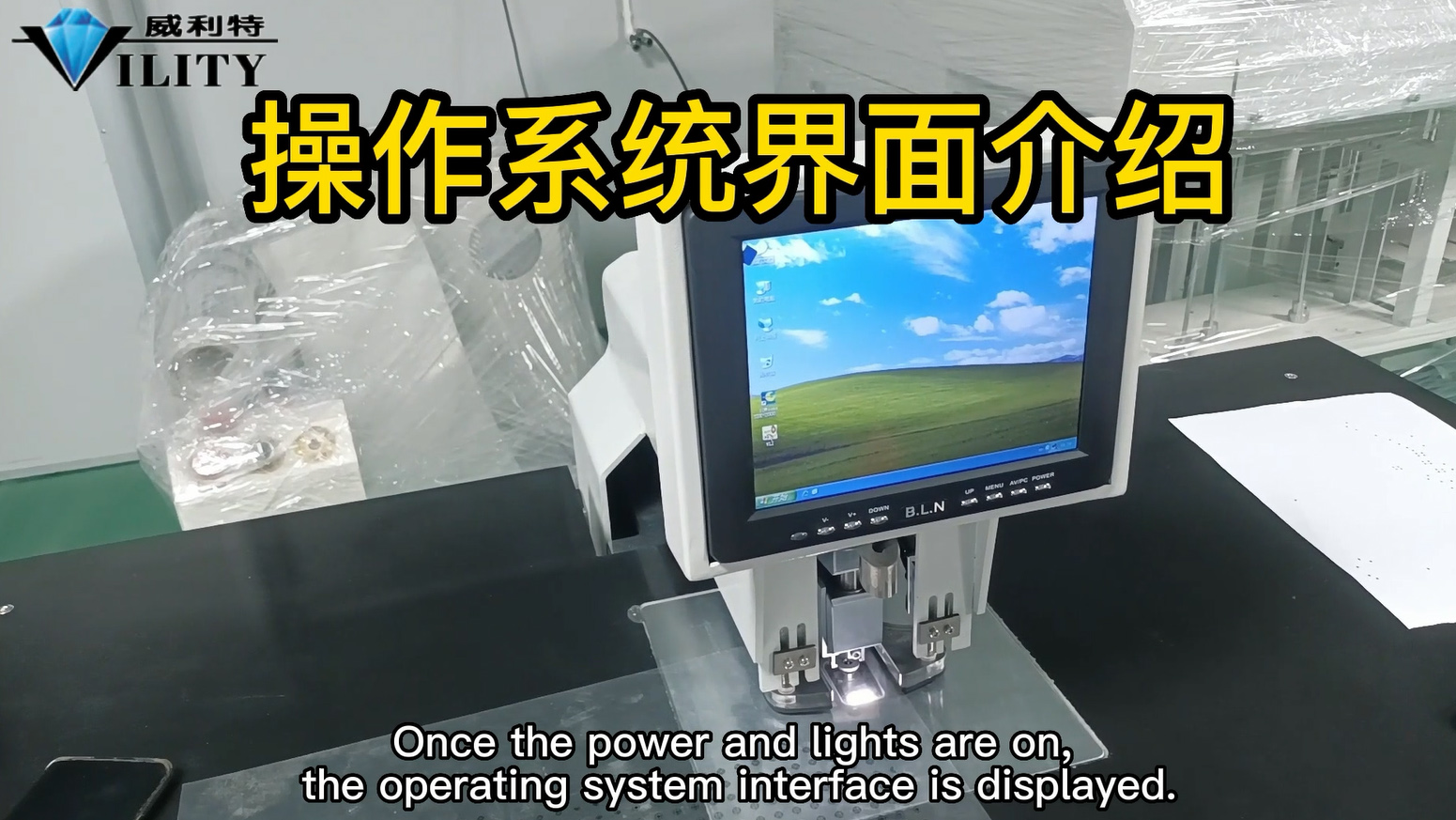
Once the power and lights are on, the operating system interface is displayed.
This WLT here is the operating system for the Vility Hole punching machine.
Double click to open, then the system will automatically reset. After that the screen will be displayed.
We can now set the target pattern that want to punch.
First,Take out a piece of material that needs to be punched.
Place the required hole position within the field of view of the camera.
0
CONSULT OUR CUSTOMERS FOR SURPRISE DISCOUNTS
Please provide us with the information below to complete your request. Just leave your email or phone number in the contact form so we can send you a free quote for our wide range of designs!

VILITY is a Professional manufacturer, providing ONE-STOP SOLUTION for intelligent printing industry.