PCB Drilling Machine
Professional designer and manufacture of CCD machines for ONE STOP SOLUTION.
Language
Professional designer and manufacture of CCD machines for ONE STOP SOLUTION.
Hi,let me introduce the operation process of the semi-automatic punching machine, and the basic key functions.
Mechanical keys and operation interface basic key introduction
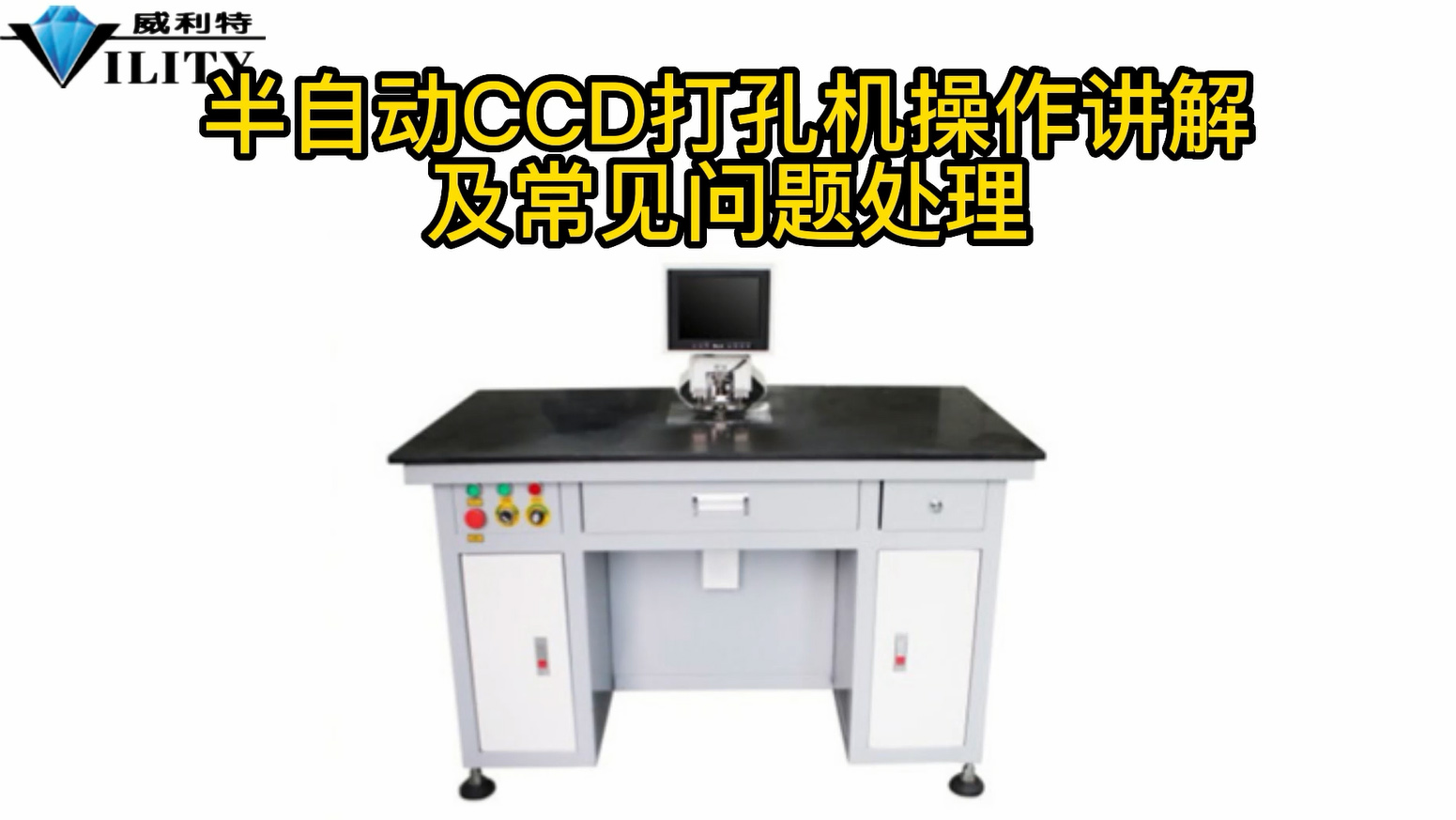
Starting with the mechanical keys of the punch, there are three mechanical switches here.
The red one is the power switch with the arrow on it; when turned in the direction of the arrow, the machine is powered on.
Once turned on the screen will show a blue screen.
This PC button is the switch of the computer. When it is turned on, the computer host will be turned on
Once the computer has started up, the operating screen will come out.
Here there is a switch marked with0, 1, 2, 3, which is a switch that controls the light source.
When the switch is pointed at 0 it is white light, when pointed at 1 it is blue light, 2 is green light and 3 is red light.
This is used depending on the characteristics of the material being produced.
For example, the production material is transparent,then white light may be used.
If the material is opaque, or if it is a double-sided rigid material, then other light sources will need to be used.
Adapt the light source to the actual material being produced.
CONSULT OUR CUSTOMERS FOR SURPRISE DISCOUNTS
Please provide us with the information below to complete your request. Just leave your email or phone number in the contact form so we can send you a free quote for our wide range of designs!

VILITY is a Professional manufacturer, providing ONE-STOP SOLUTION for intelligent printing industry.