Roll to Roll Screen Printing Machine
Professional designer and manufacture of CCD machines for ONE STOP SOLUTION.
Language
Professional designer and manufacture of CCD machines for ONE STOP SOLUTION.
There is a deflector between the feeding machine and the screen printing machine. And how does the deflector work?
Mechanical keys and operation interface basic key introduction
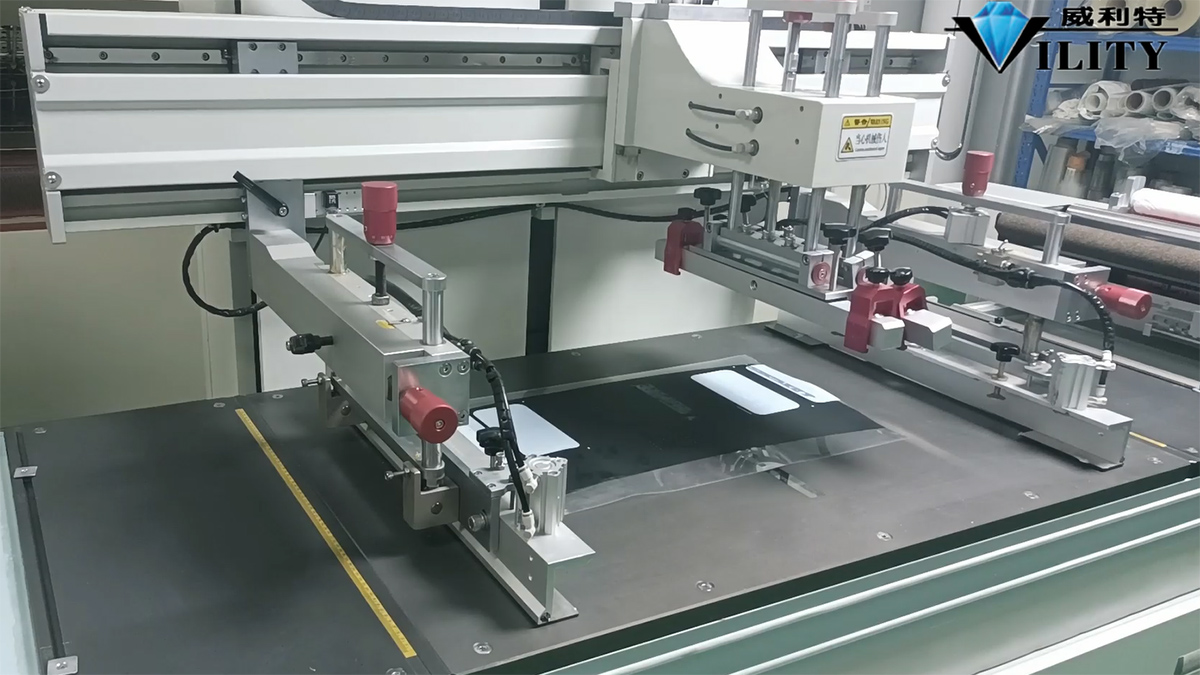
The following explains the basic interface and key operation of the sheet printing machine, as well as the function of the keys on the operating interface and how to use them. First of all, starting from the mechanical keys: the first above the power switch is the total power supply of the machine, the power needs to be turned on when the machine is turned on. The second is the pause button, the pause button is found in the printing process there are bad problems, need to stop to deal with, press the pause button operation will be temporarily stopped; after processing and then continue to press the pause button to open, it will continue to operate to run. The third key is the emergency stop key, this is the same as all common machines above, when an emergency, press the emergency stop key, the whole system will stop operation; after processing the emergency stop key open, and then restart, the machine will run normally. This is the introduction of mechanical keys.
There is a deflector between the feeding machine and the screen printing machine. And how does the deflector work?
There is the operating panel, which can be clearly seen here with a hand pattern, and this is a manual mode.
The deflector has two modes: manual and automatic. The first key on the left controls both manual and automatic.
When automatic is switched on, the deflector will automatically control the strength.
This means that if there are ripples on the edge of the material when it is being printed, you can rely on this deflector to control the size of the ripples.
How does this adjustment work? Firstly, run the material straight and set it to manual mode.
Then press the key in the middle position, and then the second key from left to right.
It will automatically position the deflector right in the middle.
When the material has been run in the middle position.
Below this there is a "Current relative position of motor full travel", which is the centre position and is shown as 50%.
Above this is the "current relative position of the full field of view of the sensor", which is used to adjust and correct the curvature of the material edges.
I will demonstrate this for you.
When the material is running straight, the material is vertical when the edge is at this point.
It is necessary to adjust this spiral rod to control the forward and backward movement of the sensor. You can look at this figure when adjusting.There are two sensing points here and two sensing windows in the middle of the deflector, which are photoelectric.
The photoelectric sensor needs to be adjusted to align just with the edge of the material.
In the case of one like this , it needs to be pushed inwards.
Then rotate the screw so that this photoelectric induction goes inwards.
Look at the numbers here as you twist inwards.
Just now the bottom is 50%, then advance so that it is also in the centre position, and the top and bottom are in the 50% position.
It doesn't matter if the number is erro by two or three.
Then, once it's around 55% and basically in the centre position, then turn the automatic on.
If there are ripples on the edge of the material when the material is constantly running.
The deflector rotates automatically and constantly to correct the flatness of the material.
This is a basic explanation of the operation of the deflector.
CONSULT OUR CUSTOMERS FOR SURPRISE DISCOUNTS
Please provide us with the information below to complete your request. Just leave your email or phone number in the contact form so we can send you a free quote for our wide range of designs!

VILITY is a Professional manufacturer, providing ONE-STOP SOLUTION for intelligent printing industry.