Sheet to Sheet Screen Printing Machine
Professional designer and manufacture of CCD machines for ONE STOP SOLUTION.
Language
Professional designer and manufacture of CCD machines for ONE STOP SOLUTION.
Now we will explain the automatic interface. The automatic interface is the interface in which the printer works fully automatically after normal start-up. Before the machine starts to work when all the preparations are done to go to the normal printing
Mechanical keys and operation interface basic key introduction
The "start "button and "dust removal allow" button explanation
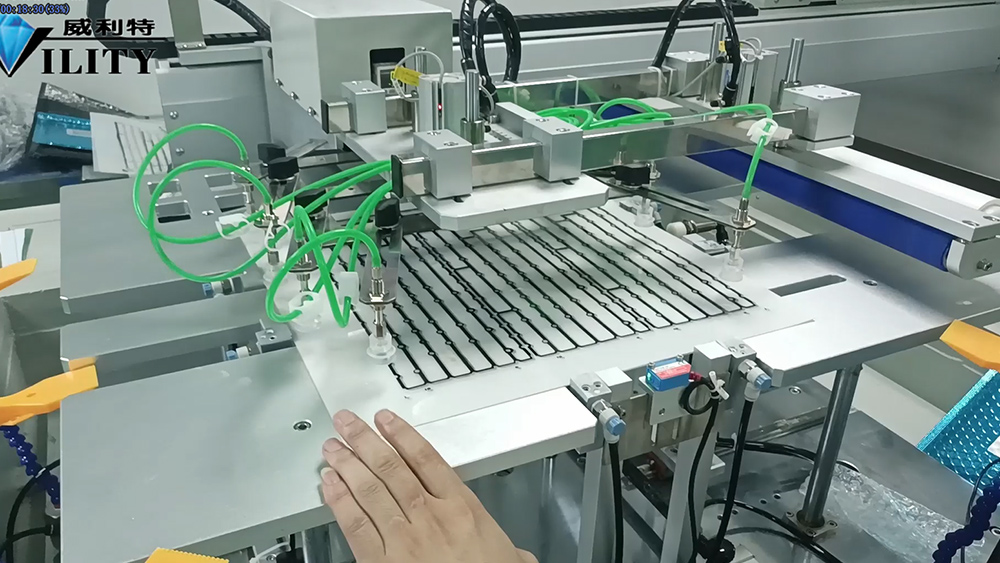
The first key in the fourth row is the "Start" key. When the press is ready, the machine will start printing normally by clicking on the Start button. The second key in the fourth row is a ccd light source. When printing ccd alignment, you must turn on the light source to find the MARK point. Now look, when the ccd electric light source is turned on, the light source of the ccd under the table will light up, so that it is easy to find the MARK point for alignment printing. The third key is "top material to find the position", that is, when the sheet printing machine, the material will be placed on the top of the feeding table in a stack, the material needs to be topped to a certain height, and the material can be adsorbed to the material when the suction cups are lowered to ensure the height of the printing feed. Here there is a photoelectric sensor, when the material to a fixed height, suitable for printing to grab the height of the material, it will automatically stop, is to lift it to the required printing position. The fourth key is "dusting permission", when the material is printed on the table, the material needs to be dusted, then turn on the dusting permission switch, it will dust the material. How to operate the dust removal? I will explain it later in the video. These are the instructions for the manual interface.
CONSULT OUR CUSTOMERS FOR SURPRISE DISCOUNTS
Please provide us with the information below to complete your request. Just leave your email or phone number in the contact form so we can send you a free quote for our wide range of designs!

VILITY is a Professional manufacturer, providing ONE-STOP SOLUTION for intelligent printing industry.